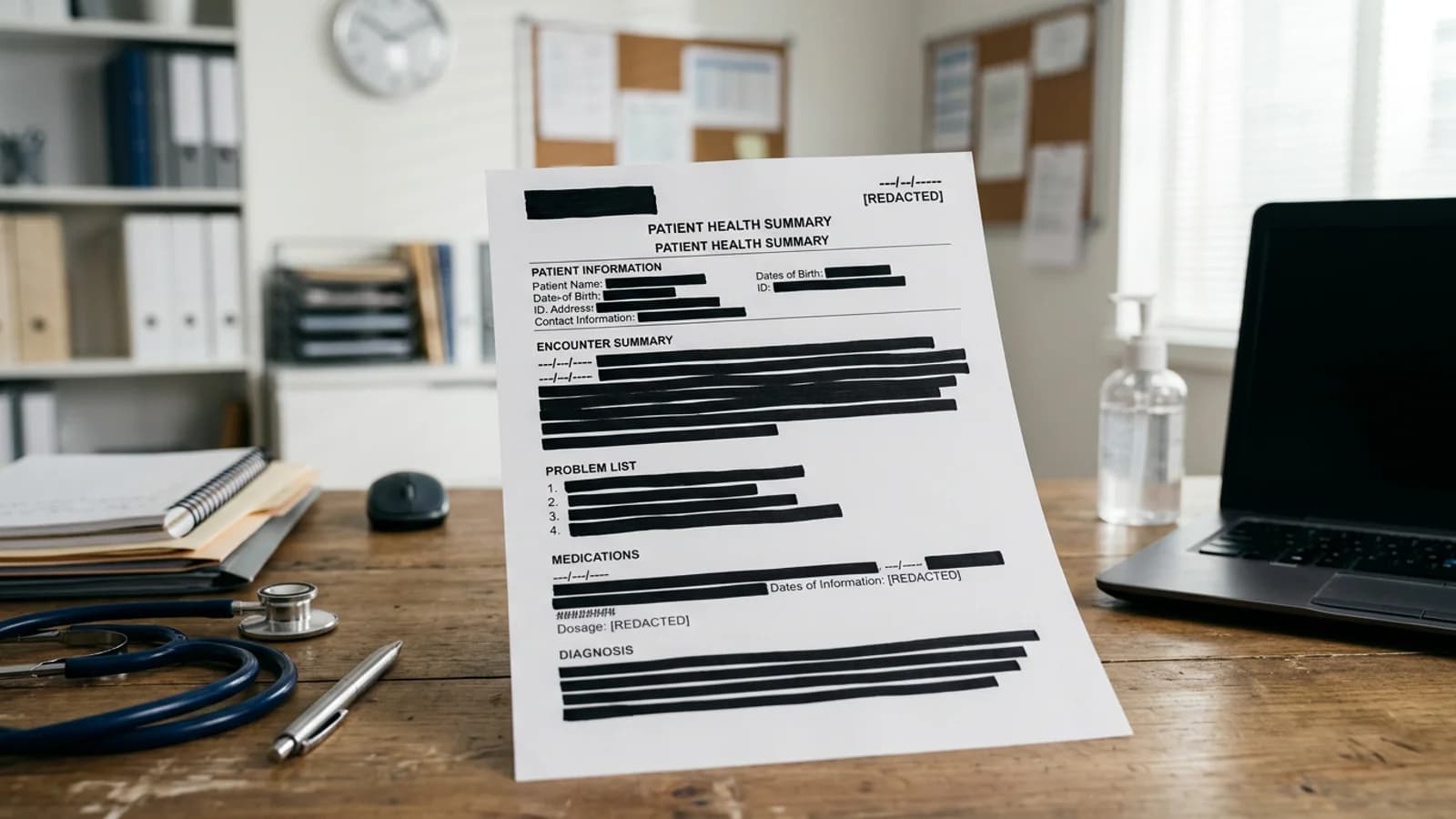
PHI redaction is a controlled disclosure process, not a software checkbox. A tool can help locate likely identifiers and remove selected content from a PDF. It cannot decide whether a disclosure is permitted, establish HIPAA compliance, or guarantee that the remaining narrative cannot identify someone.
Key takeaways
- Define the permitted use or disclosure before reviewing the record.
- Treat detection as assistance, not certification or legal advice.
- Review clinical narratives for indirect identification, not only obvious fields.
- Keep patient details out of logs, filenames, and review notes.
- Review a PDF only after your organization approves the workflow.
What does PHI redaction need to accomplish?
The reviewer needs a precise release rule. It might come from an authorization, a legal request, an internal policy, or a de-identification method chosen by the organization. That rule determines which identifiers and clinical details may remain. Do not infer it from a list of detected data types.
Health records connect identity and health information in many ways. A patient name beside a diagnosis is obvious. An unusual procedure, exact service date, small location, family relationship, or free-text narrative may also identify someone. Removing a name does not automatically make the remaining record anonymous.
Redacting.ai does not claim HIPAA compliance. Any organization subject to HIPAA should evaluate vendors, agreements, security controls, access, retention, incident handling, and the end-to-end workflow with qualified privacy and legal staff. This guide is a review aid, not legal advice.
| Review area | Common location | Human decision |
|---|---|---|
| Direct identifiers | Cover sheet, demographics, signature | Is the identity authorized for release? |
| Dates and locations | Encounter history, notes, headers | Can this combination identify the patient? |
| Clinical narrative | Progress notes, discharge summary | Does remaining context reveal the person? |
| File metadata | Filename and document properties | Will it disclose identity outside the page? |
How should a health-record PDF be prepared?
Work from a copy stored in the approved record system. Give the working file a neutral name that does not contain a patient name, record number, or diagnosis. Record the source reference separately using your organization's approved system.
Check whether the record is fully image-only or mixes digital and scanned pages. Redacting.ai OCRs a fully image-only PDF automatically. A mixed packet may need to be split or prepared through your approved process. OCR may take longer, and an unclear scan can stop without an export if no usable text is found.
Write the disclosure rule and category checklist before review. Include patient identifiers, other people's identifiers, provider details when applicable, dates, locations, account information, and document-specific narrative risks. The general PII removal guide helps separate direct and indirect identifiers.
How should PHI detections be reviewed?
Review every proposed match in context. A date in a clinical note may have a different disclosure rule than a publication date in an attached article. A provider name may be necessary for one release and outside scope for another. Automatic detection cannot resolve those distinctions.
Read each narrative after handling the structured fields. Look for family relationships, rare events, small communities, employer details, and sequences of dates that point to one person. Check tables, page headers, footers, labels, signatures, and attachments. Compare OCR text with scanned pages because recognized characters and layouts can be wrong.
Apply selected redactions permanently, then export a new file. A black highlight or annotation is not enough because the original text may remain. The online redaction guide explains the verification risk.
How do you verify a PHI release?
Open the exported PDF in a separate viewer. Search for each removed identifier and distinctive fragments. Copy text across redacted areas into a plain-text editor. Read the remaining document as a recipient would, asking whether the visible facts still identify the patient or another person.
Check the filename and document properties. Confirm that comments, attachments, links, and repeated headers do not carry information outside the redacted page content. A second reviewer should check consequential disclosures against the same written rule.
Keep the review note minimal. Record the source, authority, reviewer, date, scope, and final file reference. Do not paste patient data or removed passages into ordinary application logs. Follow the organization's retention and audit requirements for both the source and release copy.
The step-by-step PDF checklist gives a reusable export test. If the file is part of litigation, also review the legal document redaction guide. For public requests involving health records, combine this process with the FOIA checklist and agency counsel's instructions.
What can Redacting.ai truthfully support today?
The product accepts digital PDFs and fully image-only scanned PDFs, proposes sensitive details for review, applies selected redactions, and produces a downloadable PDF. Image-only PDFs are OCRed automatically. Office-file conversion, regulatory certification, and guaranteed detection are not part of the service.
That narrow scope matters in healthcare. If a record packet mixes digital pages and scans, split or convert it only through an approved process, then verify every page. Do not let a convenient upload replace the organization's vendor review or release controls.
Frequently asked questions
Does using a redaction tool make a workflow HIPAA compliant?
No. Compliance depends on the organization, safeguards, agreements, policies, and the whole workflow.
Can all dates be removed automatically?
No. Software can find date-like text, but a reviewer must decide what the rule covers and check missed formats.
Should clinical details be redacted too?
Sometimes. The permitted use or disclosure governs the answer, and narrative context may identify someone without a direct identifier.
Can Redacting.ai process scanned medical records?
Yes, when the entire PDF is image-only. OCR runs automatically before detection. Review the recognized text carefully and stop if processing reports that no usable text was found.