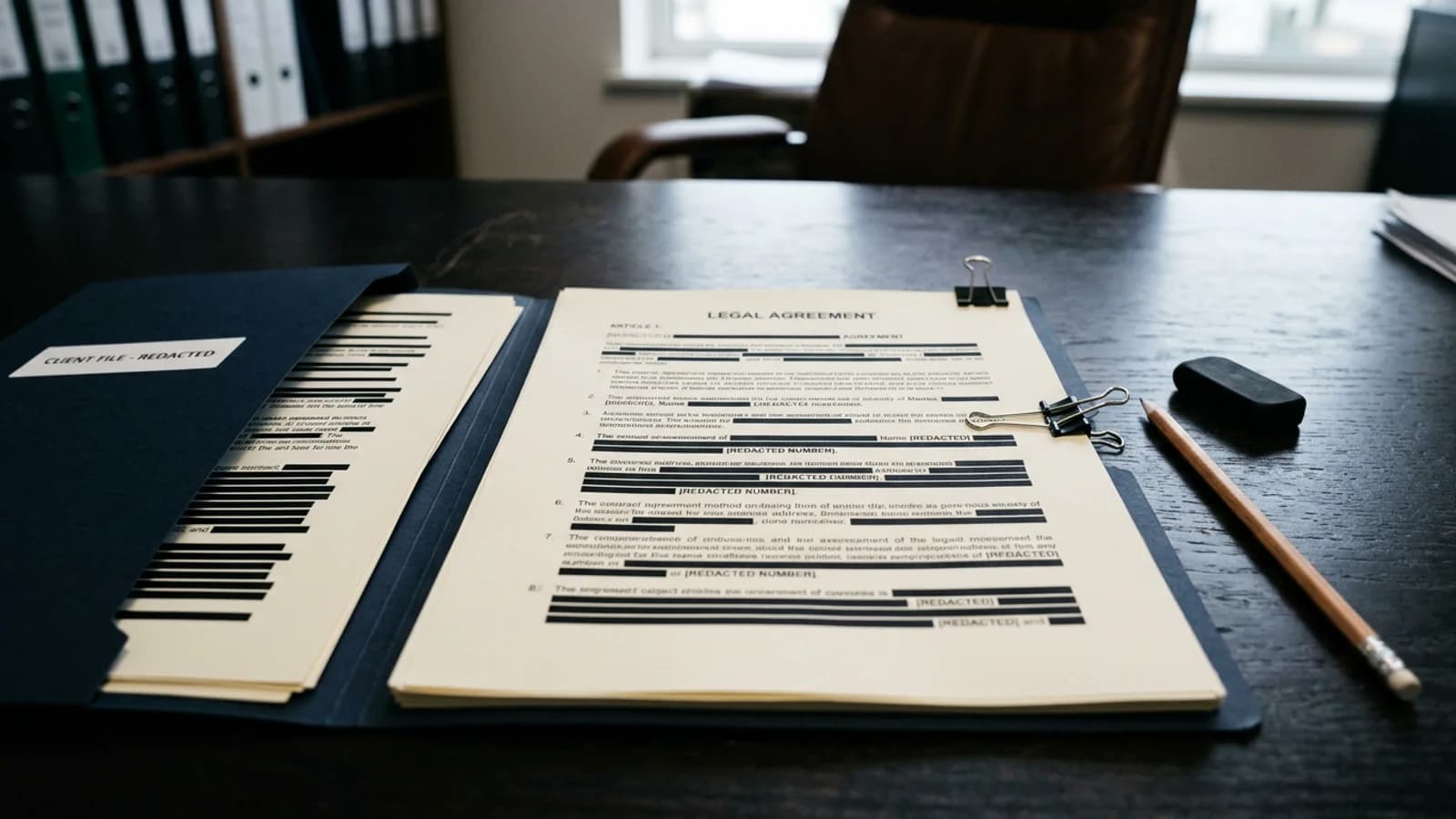
Legal document redaction needs a written disclosure rule, careful human review, permanent removal of selected content, and a checked release copy. Software can shorten the search. It cannot interpret a court rule, privilege decision, protective order, or filing requirement for the responsible legal team.
Key takeaways
- Identify the controlling rule, order, or production scope before review.
- Separate legal decisions from mechanical PDF redaction.
- Review context, repeated fields, exhibits, and metadata.
- Verify the exported file and preserve the approved release record.
- Start a legal PDF review after counsel defines the scope.
What belongs in the redaction instruction?
Name the document set, recipient, purpose, and governing instruction. A public filing, discovery production, client handoff, and internal circulation copy may require different treatment. The reviewer should not have to invent the scope while working through detections.
List categories with examples drawn from the matter without copying sensitive values into the instruction. Include personal identifiers, financial details, protected addresses, information about minors, medical information, confidential business terms, or privileged material only when the governing instruction covers them.
Privilege deserves its own decision path. A tool that finds a name or email address cannot decide whether a communication is privileged, whether it should be withheld, or how a log should describe it. Follow the legal team's protocol and escalation rules.
| Stage | Owner | Evidence |
|---|---|---|
| Define scope | Responsible lawyer or filing team | Written instruction |
| Review document | Assigned reviewer | Completed checklist |
| Apply redactions | Reviewer or production staff | New release PDF |
| Approve release | Required legal approver | Final file reference |
How should the PDF be prepared?
Preserve the original in the matter or records system and work from a copy. Use a neutral working filename. Redacting.ai automatically OCRs a fully image-only PDF before detection. A packet that mixes digital and image-only pages may need to be split or prepared through the matter's approved process. Review every page and stop if an unclear scan reports that no usable text was found.
Check whether the PDF has appendices, attachments, forms, comments, bookmarks, or unusual page sizes. A production packet can mix documents created by different systems. Do not assume that one successful text search proves every page has a digital text layer.
For general preparation and export checks, use the step-by-step PDF redaction checklist. The PII removal guide explains indirect identification in narrative text.
How should detections be reviewed in legal context?
Read the document for meaning before accepting matches in bulk. The same name can identify a party, lawyer, judge, witness, employee, or author. The disclosure instruction decides which occurrences should remain. Review each match where it appears.
Inspect unflagged text too. Look for relationships, quoted messages, rare job titles, locations, dates, and factual sequences that reveal a protected person. Check signature blocks, certificates of service, page headers, footers, footnotes, tables, and exhibit labels.
Financial exhibits often repeat account details across several pages. Use the bank statement redaction checklist when the production includes statements or payment records. For health information, the PHI guide explains why regulatory claims require more than a redaction tool.
How do you make and verify the release copy?
Apply selected redactions through a PDF operation that removes underlying content. Do not use black highlights or drawing annotations. Those may hide text visually while leaving it searchable or selectable. The online PDF redaction guide describes common failure modes.
Export a new PDF and open it in a separate viewer. Search for full sensitive values and recognizable fragments. Copy text across each redacted area into a plain-text editor. Read the surrounding sentences to make sure they do not reconstruct what was removed.
Inspect the filename, document properties, visible links, and any embedded or attached content. Confirm pagination, filing captions, signatures, and exhibits still appear as intended. If the court or production protocol requires a specific redaction label or notation, verify it separately.
Obtain the required approval before filing or production. A second reviewer should receive the written scope and final export. Do not substitute a screenshot of the review interface for checking the actual file that will be sent.
What should the review record contain?
Record the source reference, matter, recipient, governing instruction, reviewer, approval, date, and final filename. Avoid copying the removed information into the note. If the process requires reasons or categories, describe them at the level needed for the record without reproducing confidential text.
Store the note and release copy according to the matter's policy. Redacting.ai is not a document-management system, legal research service, e-filing service, or privilege-review platform. The legal team controls the release decision and record.
Public-law teams can adapt the FOIA redaction guide, but they must use the applicable statute and agency instruction. Different jurisdictions and courts have different rules.
Frequently asked questions
Can software decide what a court filing requires?
No. The responsible legal team must interpret the applicable rule, order, and filing requirements.
Should privileged text be redacted or withheld?
That is a legal decision. Follow counsel's protocol and any required privilege-log process.
How should legal redactions be checked?
Test the exported PDF with search and copy checks, inspect metadata, and complete the required approval review.
Does Redacting.ai support scanned exhibits?
Yes, when the entire PDF is image-only. OCR runs automatically before detection and may take longer. Review the recognized text and the final export.