
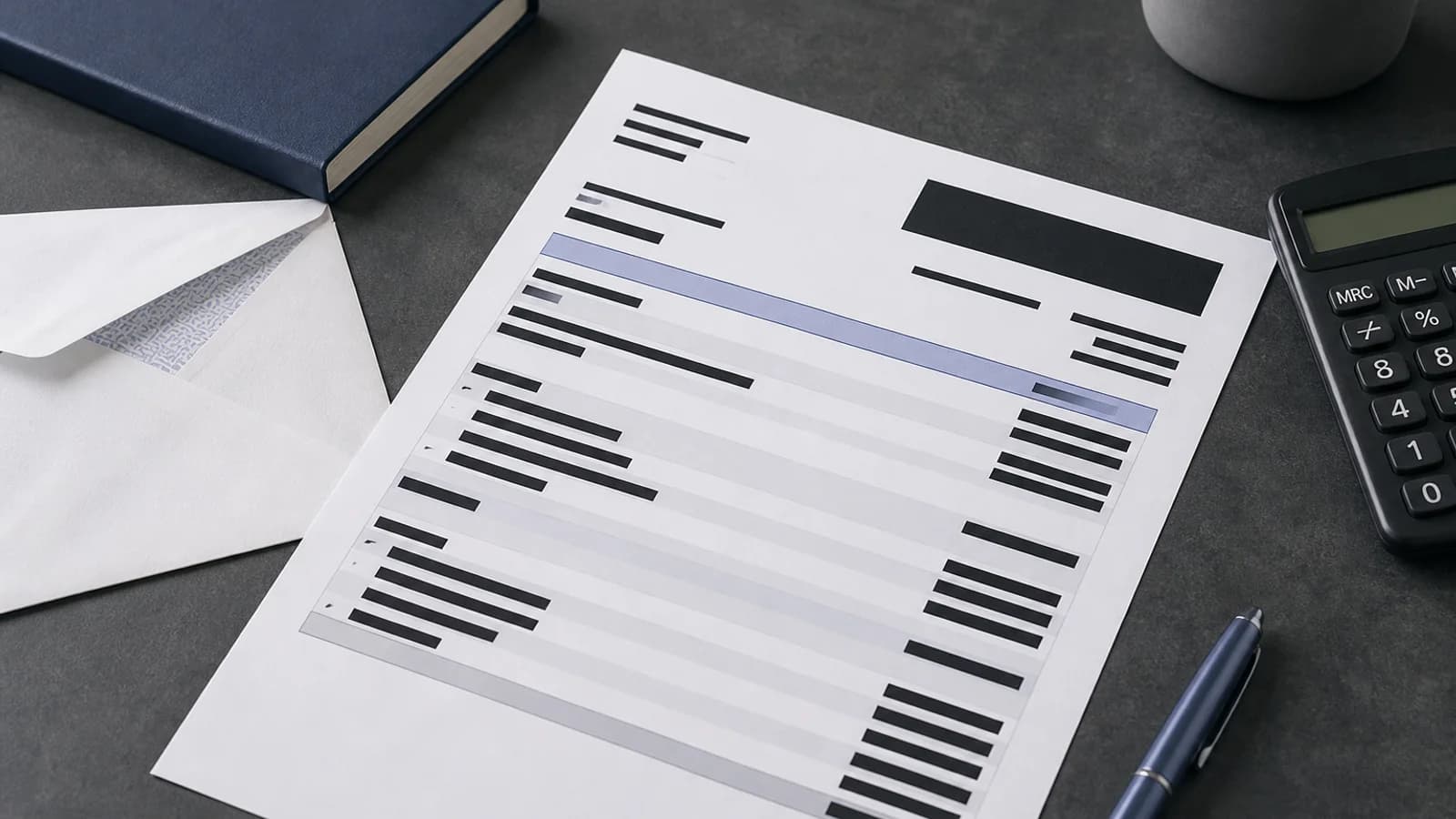
To redact a bank statement, begin with the recipient's exact requirement. Preserve the values they need and permanently remove unrelated account, identity, and transaction details. Then test the exported PDF before sharing it.
Key takeaways
- Ask the recipient which fields and date range they need.
- Review transaction descriptions, not only the account header.
- Keep enough context for the stated purpose without exposing unrelated activity.
- Apply permanent redactions and verify the exported PDF.
- Review a bank-statement PDF after defining the scope.
What does the recipient actually need?
A landlord, lender, auditor, court, benefits office, or vendor may ask for different evidence. One recipient might need your name, statement period, and closing balance. Another may need selected transactions. Do not remove fields at random or send the full statement by default.
Ask for a written list of required fields when possible. Confirm whether partial account digits, bank name, currency, date range, and balances must remain. If a formal process governs the request, follow its instructions rather than this general checklist.
Make a working copy of the statement and use a neutral filename. Keep the original in the bank portal or approved records location. Redacting.ai accepts digital and fully image-only scanned PDFs. Image-only PDFs are OCRed automatically and may take longer. Standalone screenshots and photos are not accepted.
| Statement area | Possible sensitive content | Review question |
|---|---|---|
| Account header | Full number, address, customer ID | Which fields prove ownership? |
| Transactions | Merchants, people, locations, references | Which entries support the stated purpose? |
| Summary | Balances, overdraft, interest | Does the recipient need each value? |
| Footer and metadata | Support ID, filename, document properties | Could it reveal account or identity data? |
Which details need careful review?
Start with the header. Check the account holder's name, postal address, account and routing numbers, international bank identifiers, customer IDs, and branch information. Decide whether the recipient needs partial digits to connect the statement to another record.
Review every transaction line. Descriptions can reveal employers, health providers, legal payments, political donations, religious organizations, travel, family members, or account credentials placed in a reference field. Amounts and dates may also be sensitive even when the merchant name is removed.
Look at opening and closing balances, credit limits, fees, interest, and overdraft details. Inspect repeating headers and footers on every page. The PII removal guide explains why combinations of ordinary details can identify someone.
How do you preserve useful financial evidence?
Redaction should match the stated purpose. If the recipient needs proof of a deposit, leave the relevant date and amount visible when permitted, along with enough context to understand the entry. Remove unrelated transactions instead of turning the whole table into an unreadable block.
Avoid changing numbers or editing text to create a different statement. Redaction removes information; it should not misrepresent the source. Keep the original available under proper access controls in case an authorized reviewer needs to compare it with the release copy.
If the statement is evidence in a legal matter, follow counsel's instructions and the legal document redaction workflow. A generic privacy checklist cannot answer evidentiary or disclosure questions.
How do you apply and test the redactions?
Apply a permanent PDF redaction to each selected area. Do not cover values with highlights, drawing shapes, or white text. Those changes may leave the underlying account or transaction text searchable. The online PDF redaction guide explains how hidden text leaks.
Export a new PDF and open it in a separate reader. Search for the full account number and recognizable fragments. Search for removed merchant names and reference text. Copy across each redacted row into a plain-text editor. The removed values should not appear.
Read the remaining statement. Confirm that the recipient can understand the evidence they requested and that surrounding rows do not reveal removed details. Check the filename and document properties. Compare page count, period, and visible totals with the working copy.
The step-by-step PDF checklist provides a second-person verification sequence. Use it for high-stakes disclosures.
How should you send and retain the file?
Send only the checked release copy through the recipient's approved channel. Do not share the original in the same message. Make sure previews or cloud links do not point to the wrong version.
Keep the source and release copy according to your records policy. Remove working copies when they are no longer needed. A useful review note identifies the request, reviewer, date, final filename, and categories removed without repeating bank details.
Redacting.ai is a PDF redaction tool. It does not verify financial records, advise what a lender should accept, or certify a document for a regulated process.
Frequently asked questions
Which bank-statement details should be redacted?
Remove only what the recipient does not need. Review account identifiers, addresses, transaction details, references, and unrelated balances.
Can I leave the last four digits visible?
Only when the recipient needs them and the disclosure rule permits it. Confirm the requirement first.
Does a black rectangle protect an account number?
Not reliably. Apply a permanent redaction and test the exported PDF with search and copy checks.
Can Redacting.ai process a photo of a statement?
Upload the statement as a PDF. A fully image-only scan is OCRed automatically. Review the recognized text carefully because an unclear scan can be misread or stop with a clear error.
Upload a bank-statement PDF and review the proposed redactions.